
How AI Helps Plan Grocery Budgets
AI meal planning cuts grocery costs and waste with budget-based meal plans, pantry scanning, smart ingredient swaps, and shared shopping lists.

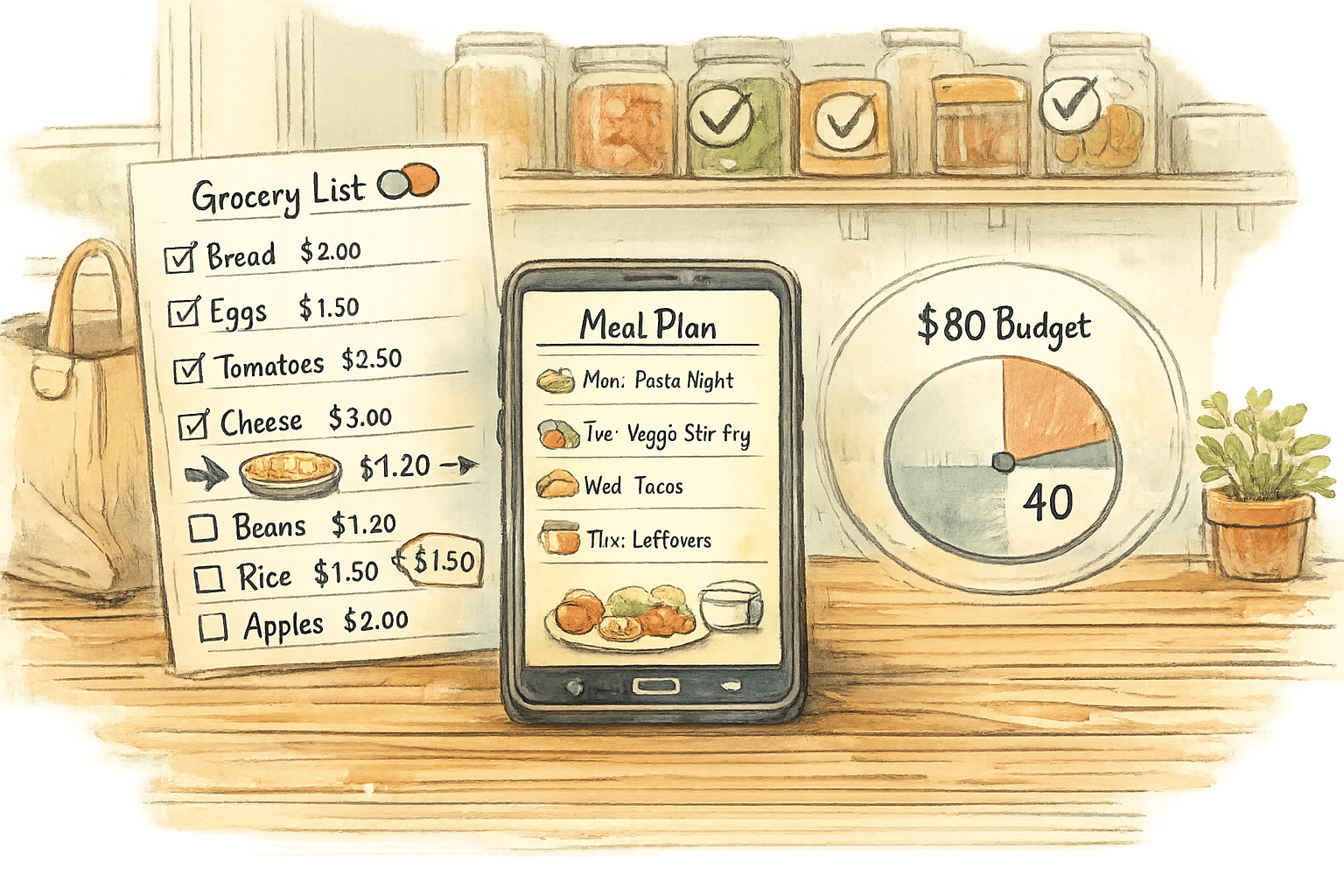
Grocery shopping can be stressful, especially when trying to stick to a budget. AI tools like Honeydew Recipe Manager simplify the process by helping you:
- Plan meals around what’s already in your kitchen to reduce waste.
- Create weekly meal plans based on your budget, household size, and dietary preferences.
- Find affordable ingredient alternatives and track real-time prices.
- Generate precise grocery lists and organize them by store sections.
- Share shopping lists with family members to avoid duplicate purchases.
These tools save time, cut food waste, and help you stay within budget, with users reporting up to 20% savings on groceries. Honeydew offers a free plan or a premium version for $4.17/month with advanced features like unlimited recipe storage and photo imports.
AI meal planning vs. manual methods is a smart way to make grocery shopping easier and more cost-effective.
Setting Up Your Weekly Grocery Budget with AI
Enter Your Budget and Household Details
To get started, input three basic details: your weekly spending limit, household size, and dietary preferences. These details help create meal plans tailored to your needs without exceeding your budget. For instance, you could set $100 per week for a family of four, mention that two kids are picky eaters, and request chicken-based meals. The AI takes this information to generate recipes that fit your budget while accommodating your household's preferences.
The Honeydew Recipe Manager also adjusts serving sizes to match your family size, recalculating ingredient amounts like chicken or rice. This way, you avoid buying more than you need, helping you save money and reduce waste.
"Tell it! 'Suggest dinners for a family of 4, kids are picky, prefer chicken and pasta, avoid spicy food.' AI factors your constraints into suggestions."
- Honeydew Blog
Now let’s see how the AI ensures you stick to your financial plan.
How AI Keeps You Within Budget
Once your household details are in place, the AI shifts gears to focus on cost-saving strategies. By cross-referencing your budget with real-time ingredient prices, it creates meal plans that align with your financial goals. If a recipe includes an expensive cut of meat or out-of-season produce, the system suggests affordable alternatives. For example, the app's blog highlights a 7-day heart-healthy meal plan that costs around $37 per week.
Another standout feature is Pantry Mode. Simply snap a photo of your fridge or pantry, and the AI will prioritize those ingredients in your meal plans. This reduces waste and helps you make the most of what you already have. By focusing on your current stock, the app minimizes your grocery list. Many users have noted that these smart lists save them "hundreds of dollars a month" by cutting down on food waste and avoiding unnecessary purchases.
Building Affordable Meal Plans with AI
Using Seasonal and Low-Cost Ingredients
AI is great at finding ingredient combinations that help you stick to a budget while keeping meals interesting. When you request a week's worth of meal ideas, the system often leans toward seasonal produce and budget-friendly proteins. For instance, in March, you might notice recipes featuring cabbage, carrots, and sweet potatoes instead of more expensive, out-of-season options.
What makes this approach work is AI's ability to recognize patterns and suggest creative ingredient pairings that stretch your dollars without making meals feel repetitive.
To make the most of these suggestions, it's helpful to set clear guidelines when asking for meal plans. Phrases like "easy prep", "seasonal ingredients only", or "targeting a specific calorie range" can narrow down the options, ensuring the meal plan fits both your preferences and your budget. Seasonal choices not only save money but also allow the AI to tweak recipes to suit your household's unique needs.
Adjusting Servings and Making Changes
AI doesn't just stop at picking ingredients - it also adapts to changes in your household or meal requirements. If your family size shifts, the system can quickly scale recipes up or down, recalculating ingredient amounts in seconds.
It also handles last-minute adjustments with ease. For example, if your chicken is still frozen, you can ask the AI to revise the recipe using fewer ingredients or swap in something you already have, like canned beans or tofu. The system can even suggest recipes that use up leftover or "forgotten" items, like half a bag of spinach, helping you cut down on waste while staying within your budget.
I Let ChatGPT Agent Grocery Shop for Me: Real Prompts. Real Meals. Real Savings
Creating and Organizing Your Grocery List
Once you've tackled your affordable meal plans, and explored how AI simplifies family meal planning, Honeydew Recipe Manager takes things up a notch by simplifying your grocery shopping process.
Automatic Grocery List Generation
After you finalize your meal plan, Honeydew Recipe Manager pulls together a grocery list that’s both efficient and precise. It gathers all the ingredients you’ll need, calculates exact amounts, and even organizes the list by store sections for easier shopping. Plus, it keeps track of what’s already in your pantry. So if you’ve got flour or a can of tomatoes on hand, it adjusts the list accordingly, cutting down on waste and unnecessary purchases.
Finding Cheaper Ingredient Alternatives
If a specific ingredient feels like it’s stretching your budget - or you simply can’t find it - Honeydew Recipe Manager has your back. Its AI recommends budget-friendly ingredient swaps while keeping your dietary needs in mind. For example, if a recipe calls for pricey pine nuts, the app might suggest sunflower seeds or walnuts as alternatives. These substitutions let you stick to your budget without sacrificing the flavor or quality of your meals.
"The ingredient substitution feature is a game-changer for my dietary restrictions. I can adapt any recipe easily!" – Emily C.
Another handy tool is the "Search by ingredients" feature, which helps you whip up meals based on what you already have in your kitchen. You can even tweak serving sizes to ensure you’re only buying exactly what you need.
Estimating Costs Before You Shop
Honeydew Recipe Manager also integrates seamlessly with Instacart, allowing you to turn your grocery list into an online order with ease. And with its household sharing feature, up to six family members can collaborate on the same list, making budgeting a team effort. This integration ties everything together - from planning and shopping to keeping your spending in check.
Monitoring Spending and Adjusting Your Budget
Once you've planned meals and done your shopping, keeping track of your spending and tweaking your budget as needed is the next step.
Tracking Costs and Nutrition Together
AI tools can analyze your receipts to highlight spending trends. For instance, you might discover you're spending a lot on "Meat and Seafood" or "Packaged Snacks" - valuable insights that could point to areas where you can cut back. This breakdown gives you a clearer picture of where your grocery money is going.
The Honeydew Recipe Manager takes it a step further by tracking both your spending and the nutritional value of your purchases. If you're overspending on items with minimal nutritional benefits, the AI flags these patterns, making it easier to identify where adjustments can save you money. Some tools even allow you to snap photos of food items to instantly check their nutritional value and how they fit into your budget.
Once you understand your spending habits, these tools can also help optimize ingredient usage to minimize waste.
Using Pantry Mode to Reduce Waste
Did you know the average U.S. household throws away about $1,500 worth of food every year? Honeydew Recipe Manager's Pantry Mode helps tackle this issue by suggesting recipes based on what you already have. Simply take a photo of your pantry, and the AI will generate meal ideas that use up ingredients before they go bad.
This feature also prevents unnecessary purchases. By knowing exactly what's in your kitchen, you won't end up with an extra jar of paprika or yet another bag of rice. Over time, this approach not only reduces waste but also keeps your grocery spending in check.
But managing a budget isn't just about individual tracking - it works even better when everyone in the household is on the same page.
Sharing Lists with Family Members
Honeydew Recipe Manager allows up to six family members to share grocery lists and meal plans in real time. When one person adds an item to the list, everyone else sees it instantly. This eliminates duplicate purchases and avoids confusion over the budget.
"Realizing on day 7 that you've blown your restaurant budget beats finding out on day 30." – Sarah, AI Expense Tracker User
With shared lists, the entire household can stay aligned on spending. Everyone knows what has been spent and what remains, helping the family make smarter decisions throughout the week.
Honeydew Recipe Manager: Features and Pricing
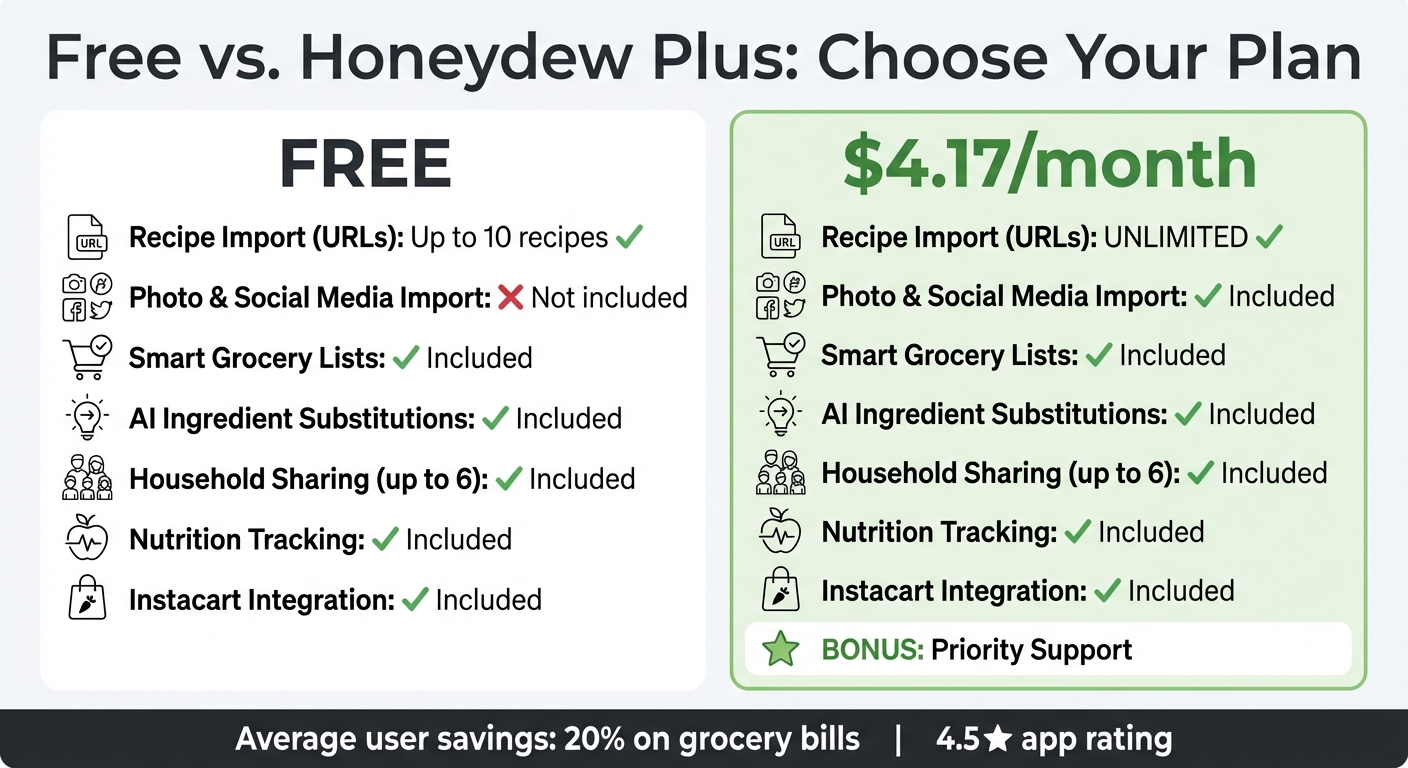
Honeydew Recipe Manager Free vs Plus Plan Comparison
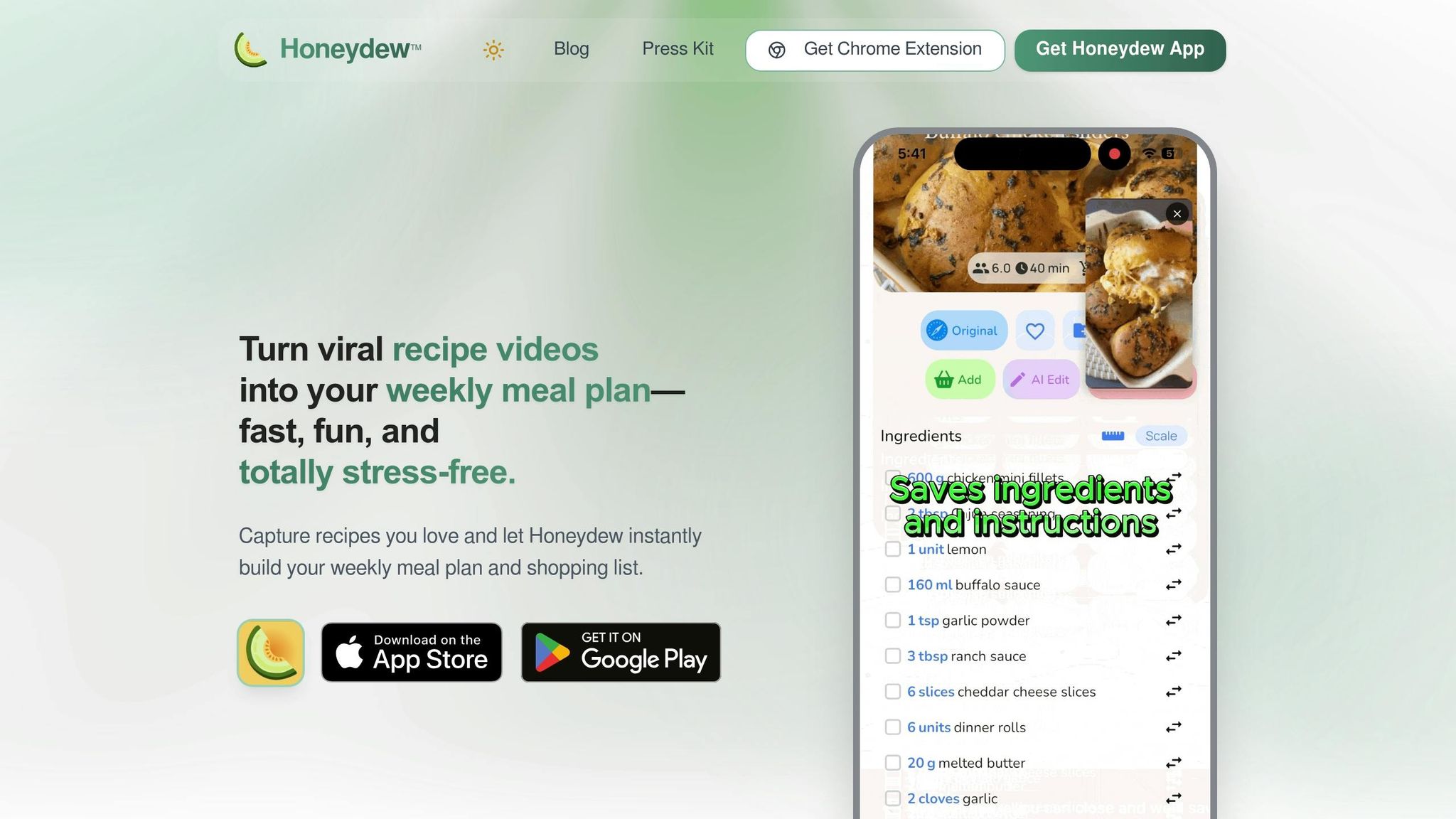
Honeydew Recipe Manager simplifies grocery budgeting by bringing all essential tools into one platform. It allows you to import recipes from TikTok, Instagram, YouTube, and various websites, automatically transforming them into organized grocery lists. This approach not only saves time but also helps reduce waste and control spending. The app's AI takes it a step further by suggesting ingredient swaps based on what’s already in your pantry, ensuring you get the most out of what you have.
The app has gained popularity, with users saving thousands of recipes every month. James L., a satisfied user, shared: "The smart grocery lists save me hundreds of dollars a month. I love how it suggests recipes based on what I already have!". Another user, Mark T., added: "I used to waste so much food. Now with Honeydew's meal planning, I buy exactly what I need and save money!".
Budgeting Features
Honeydew offers a range of features designed to keep your spending in check:
- Smart Grocery Lists: These lists help you stay focused, reducing the chances of impulse buying.
- Pantry Mode: Simply snap a picture of your fridge, and the app suggests recipes using what you already have, cutting down on unnecessary trips to the store.
- Household Sharing: Up to six family members can collaborate in real time, ensuring no one buys duplicates and everyone stays on budget.
- Nutrition Tracker: This feature balances your daily nutritional needs with your spending, so you can save money without compromising your health goals.
Free vs. Honeydew Plus Plans
Honeydew offers two plans to suit different needs. The Free plan provides the basics, including recipe imports from URLs, meal planning, smart grocery lists, and Instacart integration. For those wanting more flexibility, the Honeydew Plus plan, priced at $4.17/month, unlocks unlimited recipe storage and advanced AI features like importing recipes from photos and screenshots of social media posts. Both plans include the core budgeting tools, but Honeydew Plus removes the 10-recipe limit and adds priority support.
| Feature | Free Plan | Honeydew Plus |
|---|---|---|
| Recipe Import (URLs) | Up to 10 recipes | Unlimited |
| Photo & Social Media Import | Excluded | Included |
| Smart Grocery Lists | Included | Included |
| AI Ingredient Substitutions | Included | Included |
| Household Sharing (up to 6) | Included | Included |
| Nutrition Tracking | Included | Included |
| Instacart Integration | Included | Included |
| Price | Free | $4.17/month |
Conclusion
Managing your grocery budget doesn’t have to mean giving up meals you love. With Honeydew Recipe Manager, you can simplify meal planning through features like importing recipes from social media, smart lists, and real-time cost-saving tips - all designed to help you stay on track financially.
On average, users report cutting grocery bills by 20% while also reducing food waste, thanks to tools like Pantry Mode and real-time list sharing. These features take the guesswork out of planning, making the entire process smoother and more efficient.
Whether you’re cooking for yourself or a family of six, Honeydew makes it easy to share shopping lists, tweak serving sizes, and monitor both costs and nutrition. It’s a time-saver that takes the stress out of deciding what’s for dinner.
You can try Honeydew for free or unlock unlimited recipe storage and advanced AI features with Honeydew Plus for just $4.17/month. With an average app rating of 4.5, it’s clear users are loving the convenience and savings.
Take the first step toward easier meal planning, lower costs, and less waste with Honeydew Recipe Manager.
FAQs
How does Pantry Mode know what I already have?
Pantry Mode keeps tabs on what’s in your kitchen by creating a virtual inventory of your ingredients. It updates in real time, making it easy to know exactly what you have on hand. Even better, it uses this information to recommend recipes tailored to the ingredients you already own.
Can I set a budget for both cost and nutrition goals?
With Honeydew Recipe Manager, you can set budgets for both cost and nutrition. The app lets you track expenses, monitor your spending, and tailor meal plans to fit your dietary needs and financial goals. It streamlines meal planning, making it easier to stay aligned with your priorities.
Will shared lists update in real time for my whole household?
Shared lists in Honeydew Recipe Manager enable collaboration among up to six family members. These lists are designed to keep things accessible and well-organized. However, it's unclear whether updates to the lists are synced in real time for everyone.